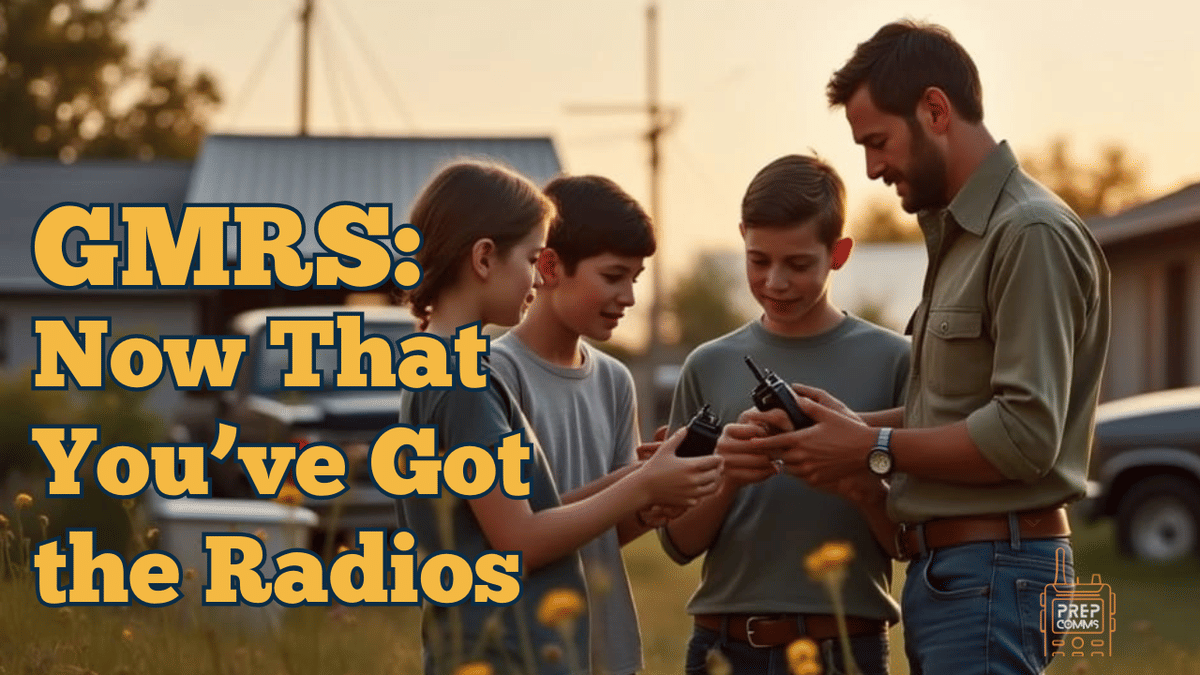
Prep Comms Podcast – GMRS Series Episode 4.4
By Caleb Nelson (K4CDN)
You finally picked up the GMRS radios. They’re charged, programmed, and sitting on the counter.
Now what?
This episode of the Prep Comms Podcast cuts through the noise and gets practical.
We’re talking about real-world use — what buttons matter, how to reach a repeater, and how to teach your family to key up with confidence.
Start With the Basics
Before you chase range, learn your gear.
Everyone in the house should know how to:
Power it on and off
Adjust volume and squelch
Pick the right channel
Label channels clearly — Home, Drive, Repeater — so nobody freezes in the dark trying to remember which one to use.
And those “privacy tones”? They don’t make anything private. They just filter who you hear.
Same tone on both radios or you’re talking to no one.
Accessing Repeaters
Repeaters are what make GMRS more than driveway chat.
They sit on towers, tanks, and hilltops listening on one frequency and re-broadcasting on another.
When you key up, your five-watt handheld hits the repeater, and the repeater repeats your voice across the county.
Each repeater needs three things set right:
Output frequency – what you listen to
Input frequency – what you transmit on
Tone – the handshake that opens it
Program those, press the button, and if you hear that little kerchunk come back, you’re in.
Say your call sign, keep it short, and remember that most repeaters are privately maintained. Be courteous — someone else paid for the tower you’re using.
Teaching Your Family
Once you have one solid channel or repeater working, stop and teach it.
Show them: press, wait half a second, talk normally, release.
Do a few tests around the property.
You’re not training dispatchers; you’re building confidence.
Now you're ready to build a Family Communications Plan...
The Power of Routine
A radio only helps if it’s familiar.
Do one short check-in each week.
Call from the shed, the store, or the school parking lot.
Make it a habit before you ever need it.
The Prep Comms Network
At the end of the show, Caleb introduced the Prep Comms Network — a private members-only space for real radio users who want to keep learning together.
Inside, members share lessons, solve on-air problems, and compare signal tests without the noise of social media.
It’s not a course. It’s a community built to keep your radios from collecting dust.
Featured Gear
BTech GMRS-50 Pro Base Station: Amazon Listing
Retevis RA86 GMRS Mobile Radio: Amazon Listing
Retevis GMRS Base Antenna (7.2 dBi Gain): Amazon Listing
Nagoya UT-72G Mag-Mount Antenna: Amazon Listing
PeliComms GMRS ¼-Wave Base Antenna (Made in USA): Shop Hub City Mercantile
WilComs Roll-Up J-Pole (MURS/GMRS): Shop Here
ZBM2 QP Whip Antenna (use code PREPCOMMS): Product Link
Find Local Repeaters: MyGMRS.com
THE FIRST 10 THINGS TO DO WITH A GMRS RADIO-Family Connect Mini-Book #2
As an Amazon Associate and ZBM2 affiliate, I earn from qualifying purchases.
About the Author
Caleb Nelson (K4CDN) is a husband, father of five, and the founder of the Family Connect System—a practical, family-first approach to emergency communication. A veteran of FM radio and a licensed Amateur Radio Operator, Caleb draws on decades of real-world experience, including nearly ten years in the professional fire service as an Engineer and EMT.
He and his wife of over 25 years, Carla, homeschool their children and run a small business together—often with the help of their two loyal Goldendoodles. Whether he's writing, teaching, or talking on the airwaves, Caleb’s heart to serve and protect families is at the center of everything he does.
More from Caleb: